> For the complete documentation index, see [llms.txt](https://docs.roivenue.com/roivenue-resources/llms.txt). Markdown versions of documentation pages are available by appending `.md` to page URLs; this page is available as [Markdown](https://docs.roivenue.com/roivenue-resources/roivenue-training/roivenue-app/data/measurement-validator.md).
# Measurement Validator
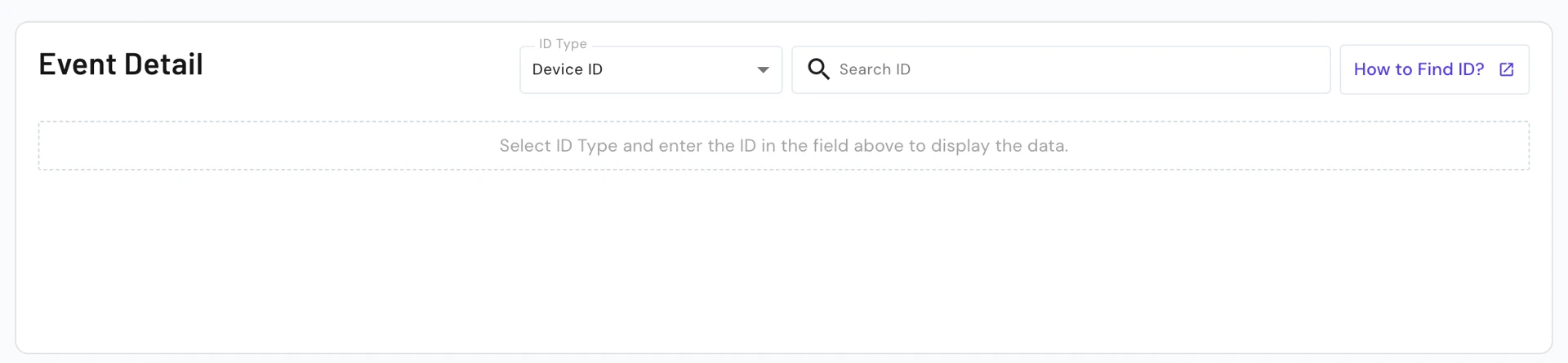
**Roivenue Measurement Validator** is a page you use during the implementation of Roivenue Measurement to verify that tracking is set up correctly. It shows a live **overview of the last 20 minutes of tracked events**, including how many times each event type has been recorded. You can filter the view by device ID or conversion ID to see all events belonging to a specific session or conversion. This allows you to go to your website, interact with it, and immediately confirm that those actions are showing up in the measurement as expected.
## How to Find Your Device ID
In [**RM Validator**](https://app.roivenue.com/rm-validator), you can use Device ID to look up all events tracked on a specific device. It's particularly useful for debugging tracking issues or verifying that events are firing correctly.
### Steps
1. Go to the website where you want to verify events and where Roivenue Measurement is implemented.
2. Right-click anywhere on the page and select **Inspect** (or press `F12` on Windows / `Cmd+Option+I` on Mac).
3. Click the **Console** tab at the top of the DevTools panel.
4. Paste the following command and press **Enter**:
`posthog.Roivenue.get_distinct_id()`
5. The console returns your device ID – copy it and paste it into RM Validator.